Authentication
Authentication
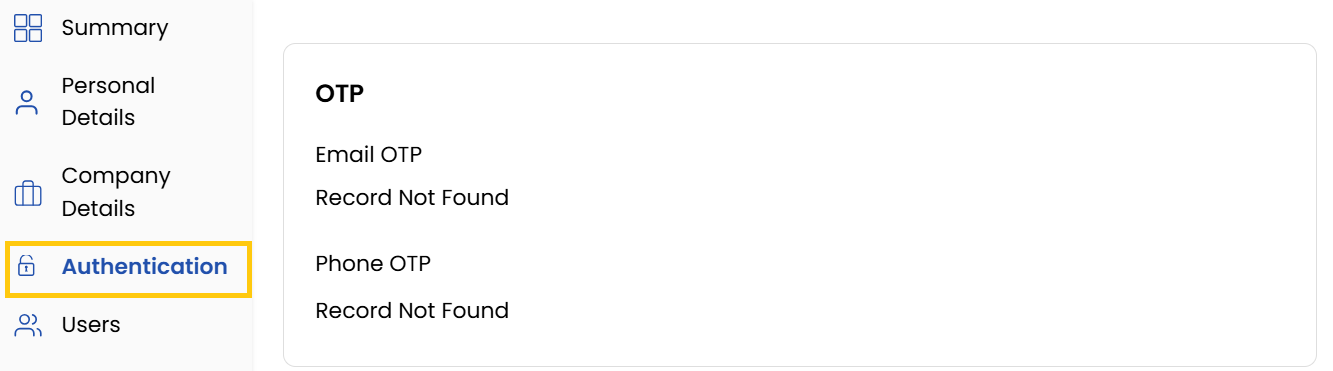
The Authentication tab manages account security with OTP verification records, password changes, and account blocking features. It provides centralized control for maintaining system access integrity.
- Displays OTP records for email and phone verification.
Change Your Password
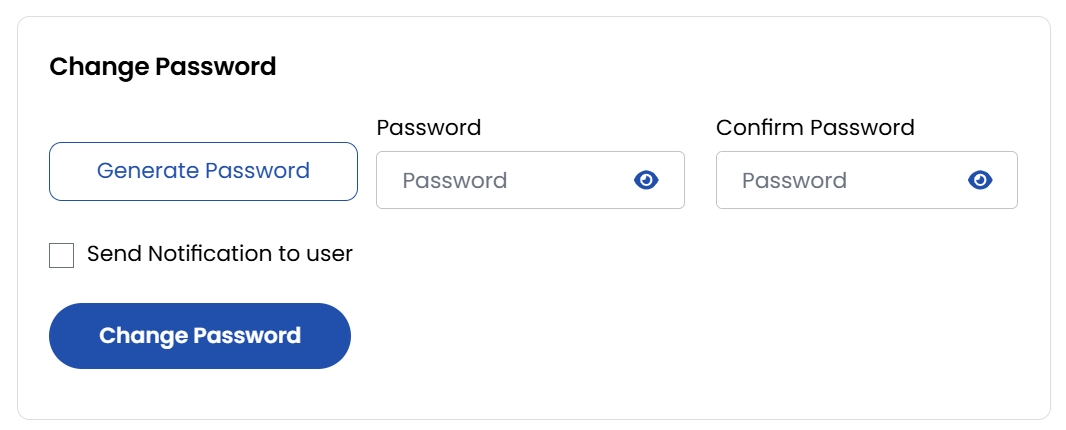
To maintain account security, it's essential to change your password periodically.
- Navigate to the Profile section from the left-hand menu.
- Select Authentication, then click on Change Password.
- Enter your Current Password, then enter and confirm your New Password.
- Click Change Password to save changes.
Block/Unlock Account
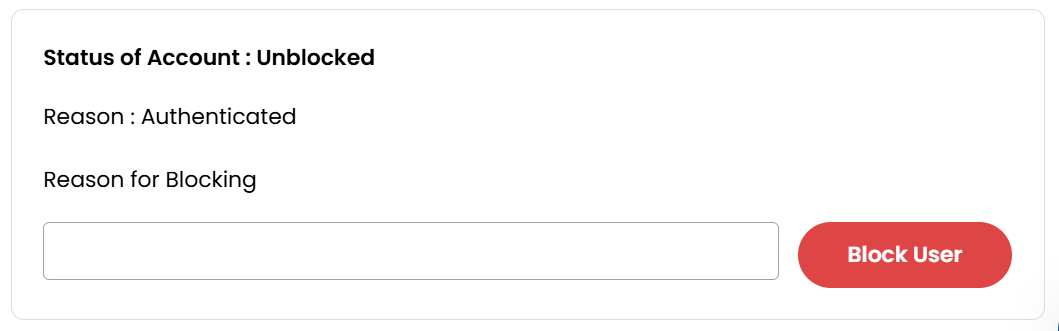
- To Block an account you need to provide a reason to block and click Block User. To Unblock an account click Unblock User.
Conclusion
The Authentication tab provides essential security controls, enabling safe management of verification systems, credentials, and account access. Regular use of these features helps maintain your system's security posture.